
The estimation process - PREPARE
The PREPARE step is where your estimation meeting gets set up for a smooth, focused session. This is the point where you gather or confirm the estimation items your team will size, and choose the deck style you want everyone to use.
Use this step to:
- Create or import estimation items for discussion
- Select the estimation deck to use for the session

The PREPARE step is enabled by default and cannot be disabled in an estimations meeting.
Deck Style
-
Choose from 8 deck styles to suit, or create custom decks.
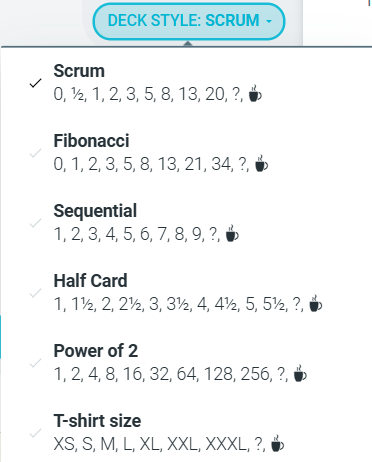
For more information on decks and their use cases, see our estimation decks help article.
Estimation Items
-
Manually enter or import estimation items.
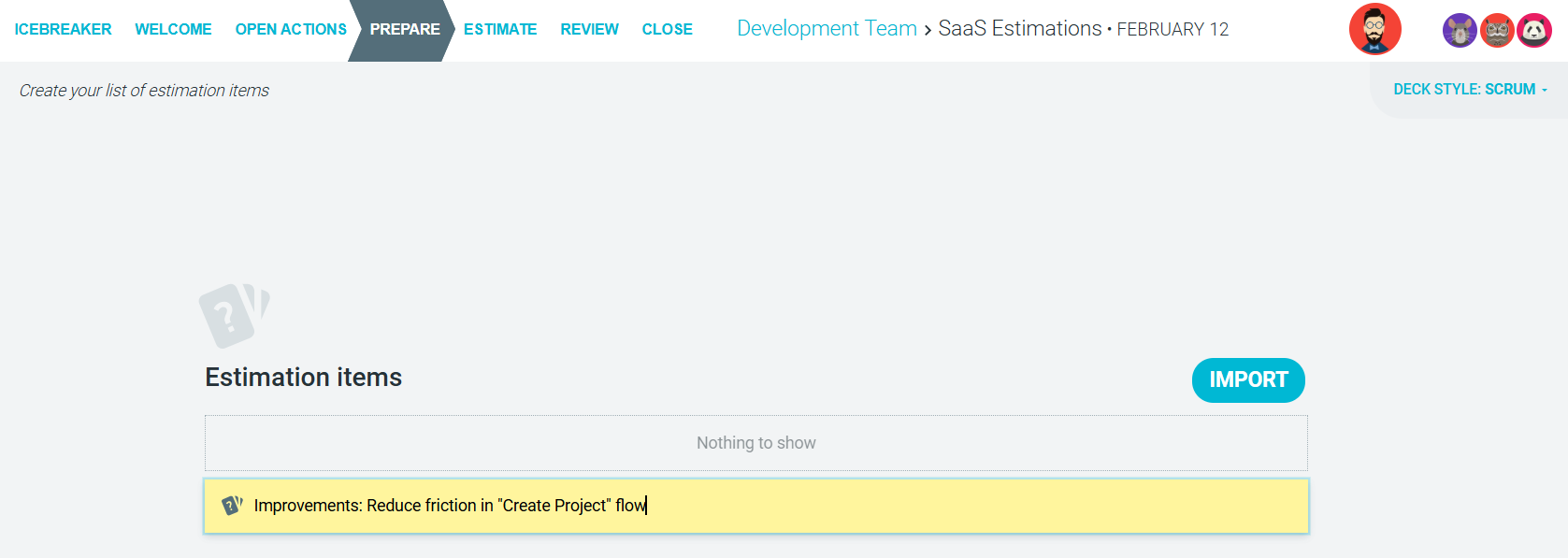
For more information on how you can collate estimation items, see our Creating or importing estimation items help article.
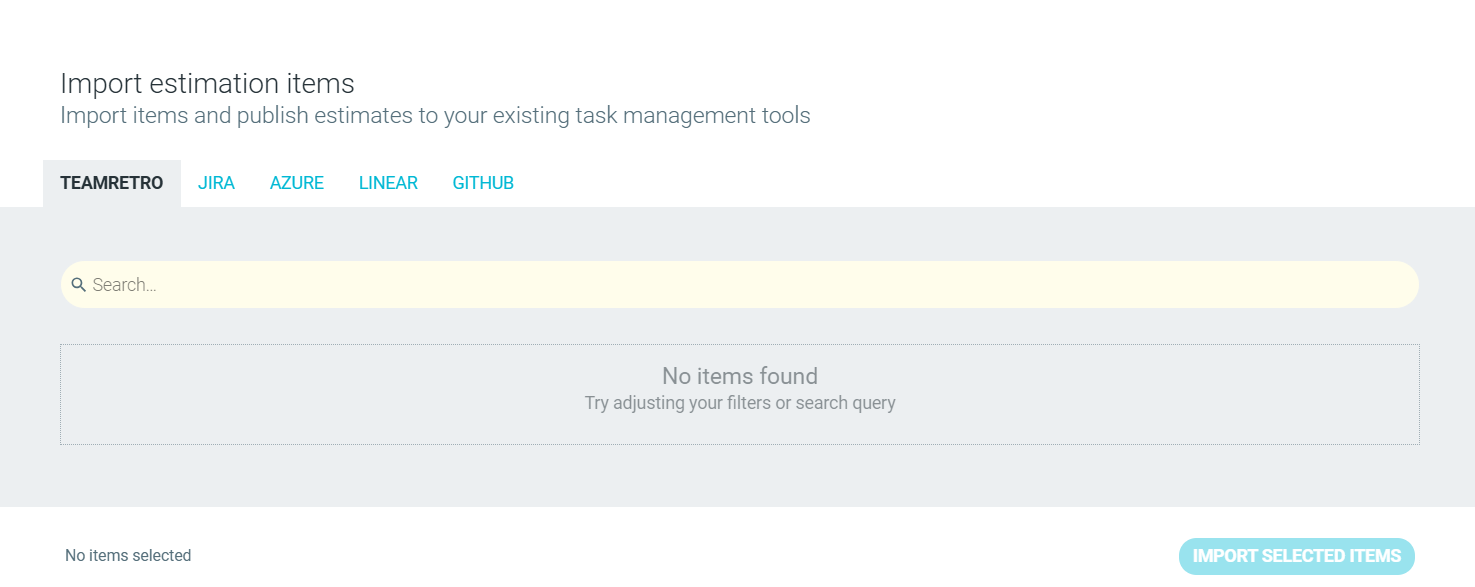
Import items from TeamRetro ,Jira, Azure, Linear or Github
When ready, proceed to the ESTIMATE step.