
Creating or importing estimation items
Estimation meetings work best when your team has a clear, ready-to-estimate list of items. In TeamRetro, you can either create estimation items directly in the meeting or import them from an existing source, so you don’t have to start from scratch.
You can create your list by...
- Manually creating estimation items
- Adding items from your TeamRetro Actions list
- Importing items from your preferred workflow tool
Creating Estimation Items
- Navigate to the PREPARE step of your estimation meeting.
- Under Estimation Items, add each item you would like to discuss.
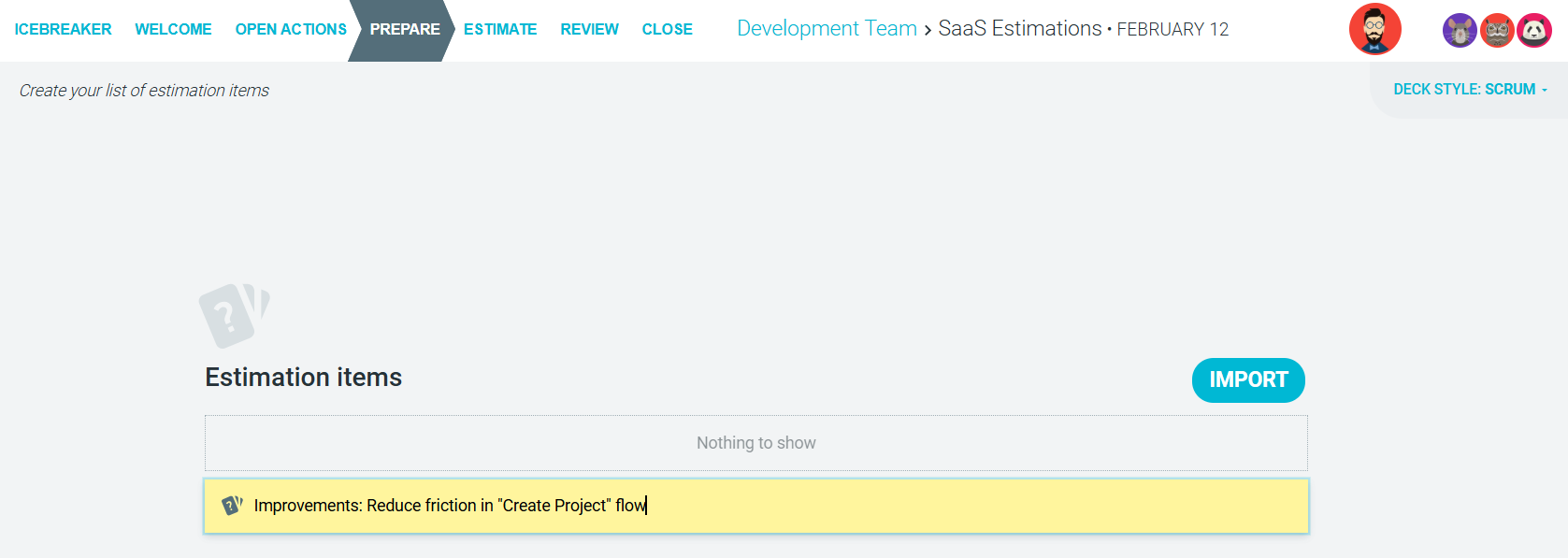
Each item you add will then be put forward for discussion during the ESTIMATE step.
Adding Items from Your Actions List
You can estimate action items generated from other meetings conducted within TeamRetro.
- Navigate to the OPEN ACTIONS step of your estimation meeting. Here you will be met with a list of action items generated from your previous estimation, as well as from any other meetings (including retrospectives, health checks, and maturity model meetings).
- Right-click the action item you would like to estimate in your current meeting, then click Add to estimation items.

-
Your selected estimation item(s) will then be added to your list in the PREPARE step.
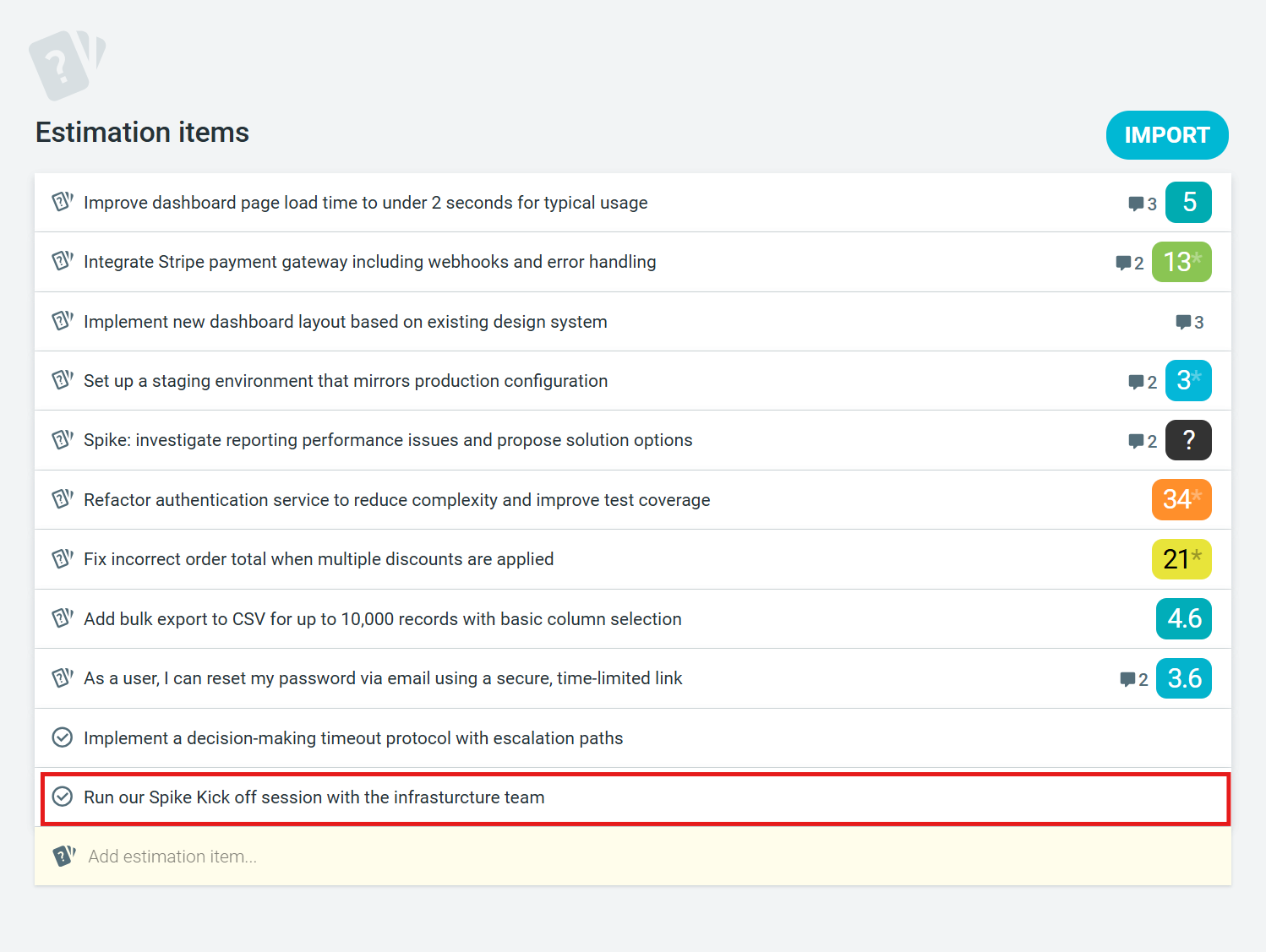
Importing Estimation Items
- Navigate to the PREPARE step of your estimation meeting.
- Under 'Estimation Items', select the IMPORT button.

-
Select a source to import estimation items from. Any action items from previous retrospectives/health checks are automatically listed and can be imported for estimation. Alternatively, TeamRetro integrates with many other tools, from which estimations can be fetched.
To learn more about integrations, visit What Does TeamRetro Integrate With?
