
The maturity model process - OPEN ACTIONS
The OPEN ACTIONS step allows your team to review outstanding action items from previous meetings. This helps maintain continuity between sessions, reinforces accountability, and sets the right context before starting.
Use this step to:
- Remind people of the maturity model meeting focus.
- Celebrate successes and acknowledge what has been achieved.
- Address blockers.
- Review or tick off completed actions
- Revisit team agreements and align expectations before beginning
You can also review ACTIONS in the side panel at any step during your maturity model meeting.
Enabling Open Actions
-
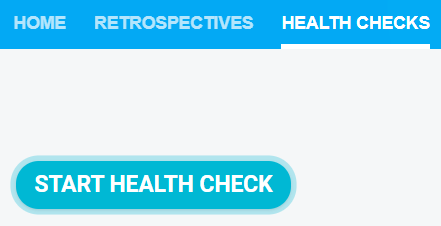
Navigate to your team's HEALTH CHECKS tab.

-
Click START HEALTH CHECK.
-
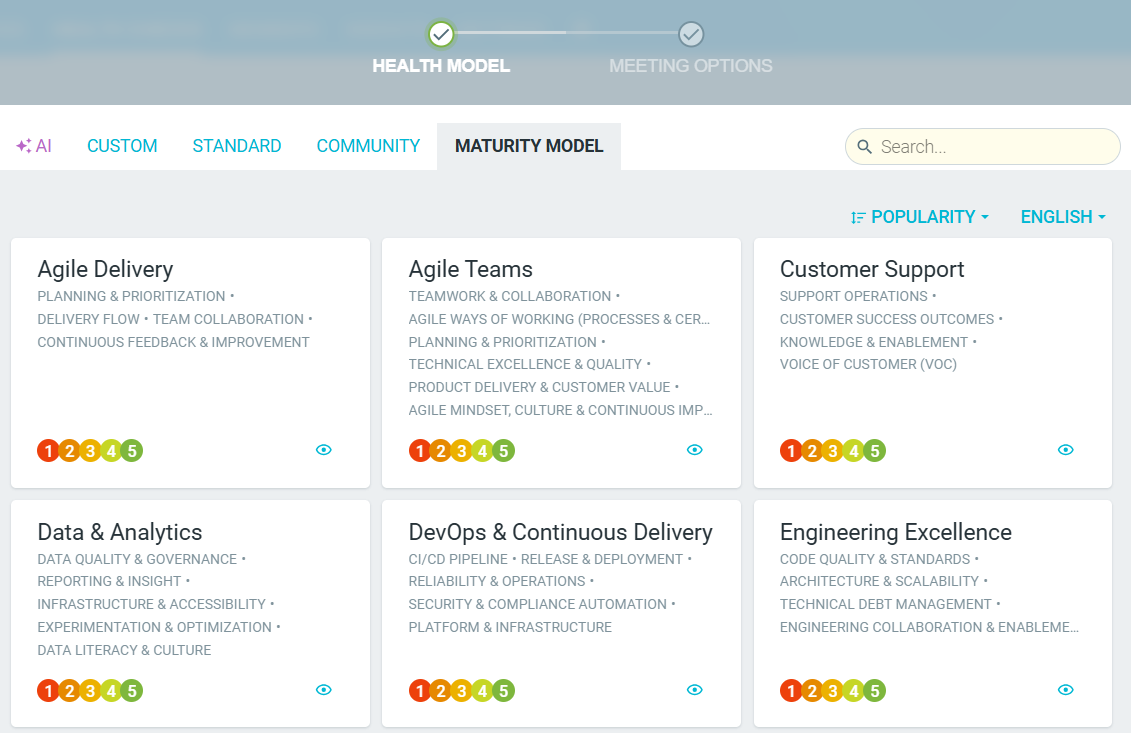
Choose your preferred model from a list or pre-defined categories or create a CUSTOM one.
- Once you have selected your model, click on the PROCESS tab and enable OPEN ACTIONS.

- This step will now appear in your meeting. Review priorities, due dates and assignees and tick off any completed items. If integrated, you can also publish any action items to your workflow management tool.

- Revisit Team Agreements and affirm the guidelines that help your team work better together.

- Check the Parking Lot to attend to any thoughts or ideas that were left behind in previous meetings.

- Use PRESENT mode if you would like to discuss each action or team agreement in more detail.
