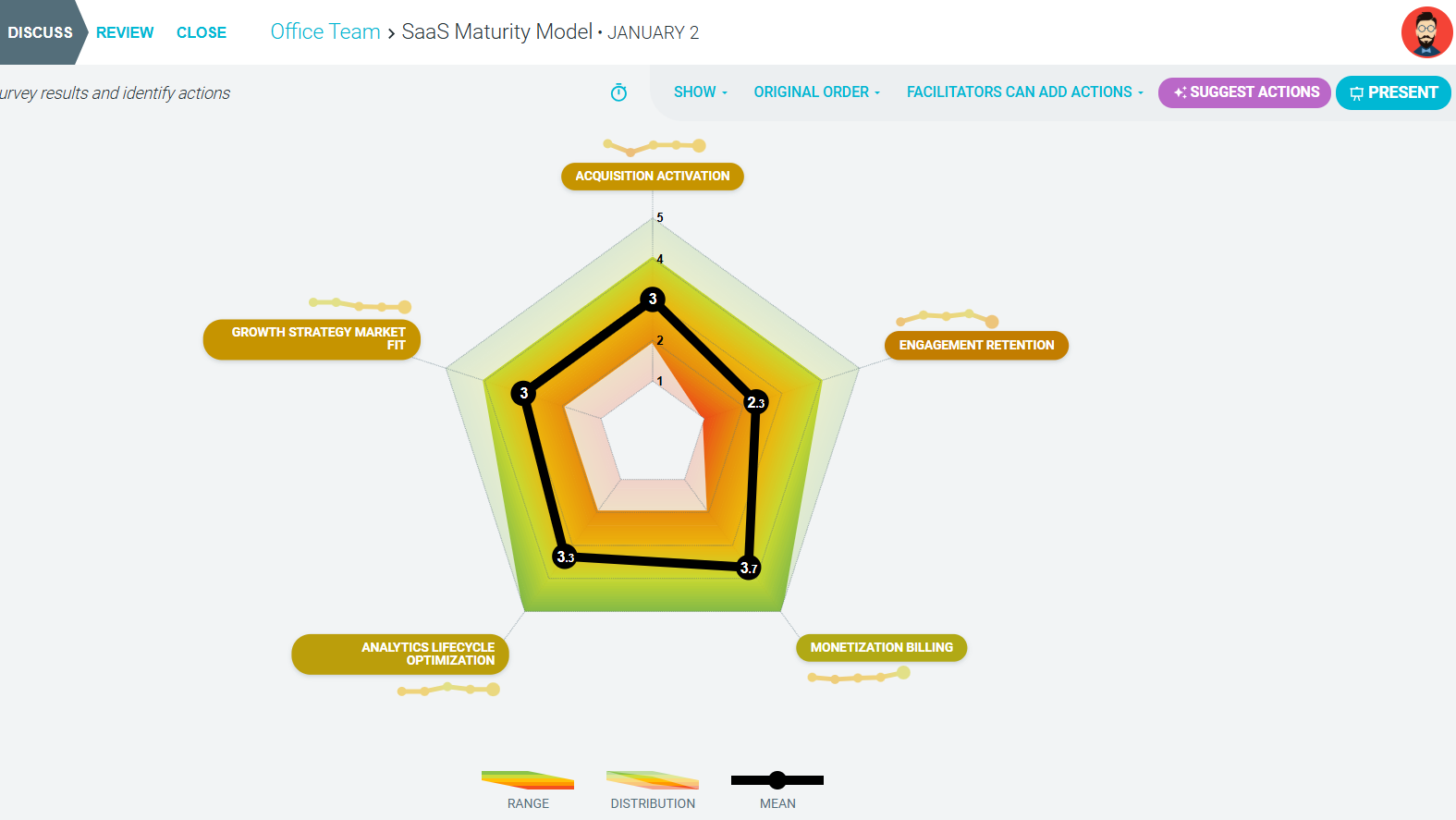
Running asynchronous maturity model meetings
Tailoring your workflows has never been easier! With TeamRetro, you can customize the order of steps in your maturity model meetings to suit your team’s unique preferences.
How to run an asynchronous maturity model meeting
-
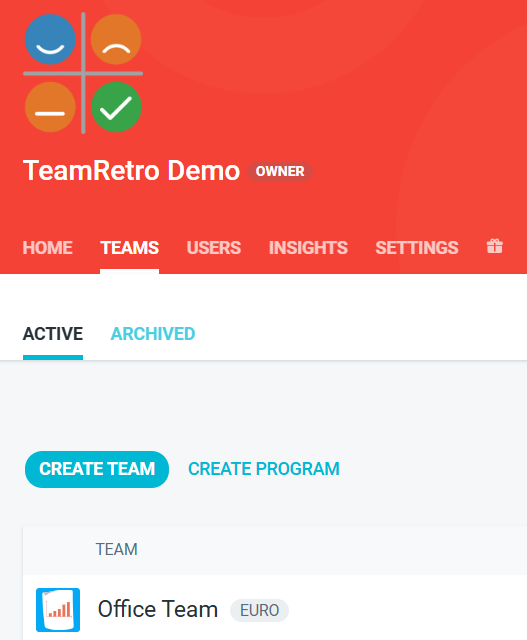
Go to the TEAMS tab and open the team you want to run an asynchronous session with.
-
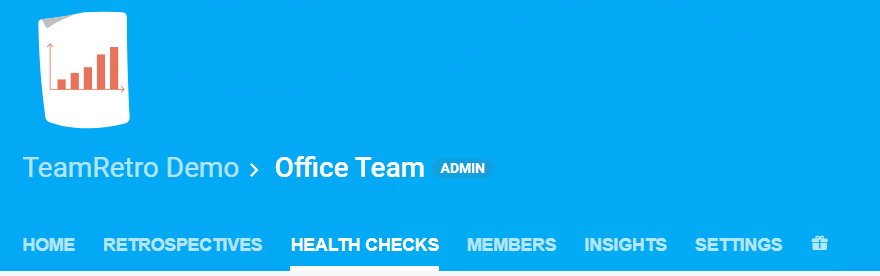
Click on the HEALTH CHECKS tab.
-
Click START HEALTH CHECK.
-
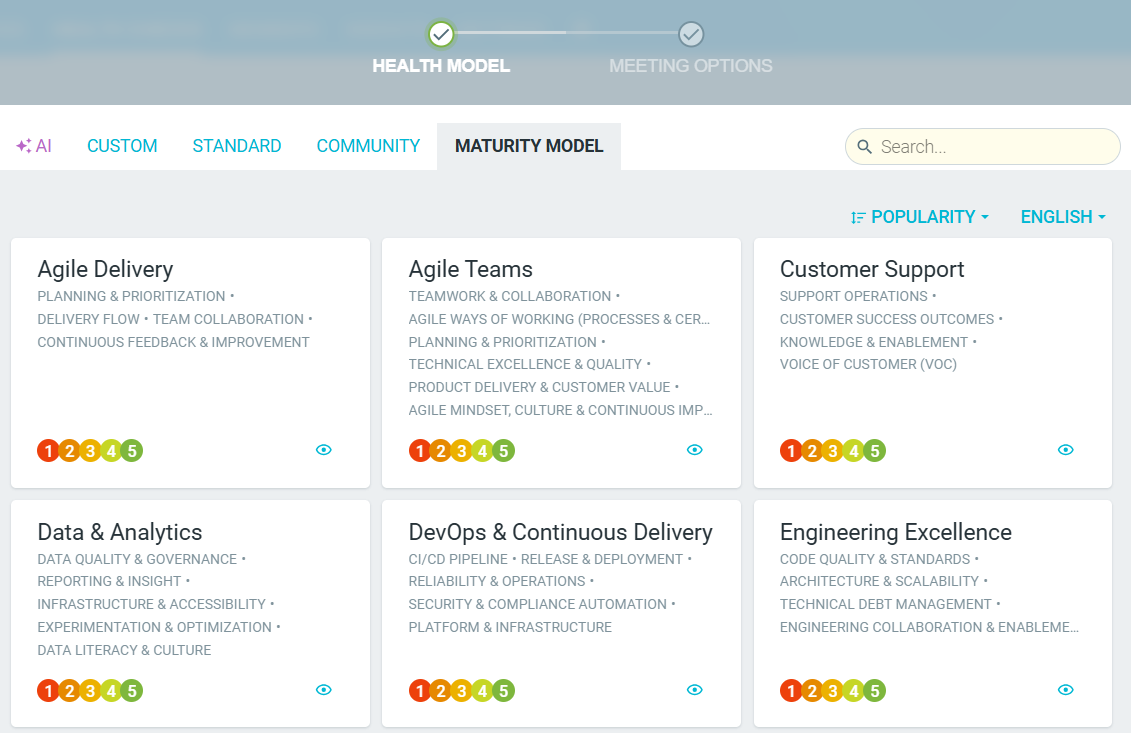
Choose your preferred model from a list or pre-defined categories. create a CUSTOM one. or use AI to generate suggestions for you.
-
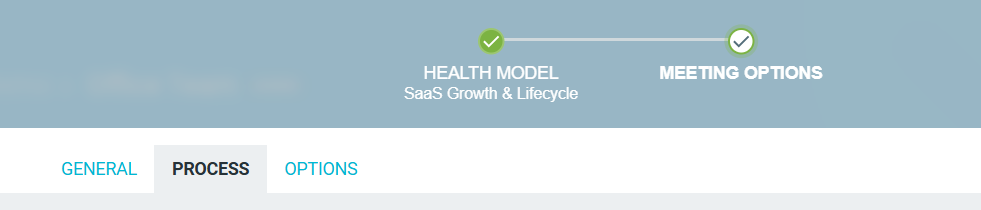
Once you have chosen your template and provided a title, click on the PROCESS tab.
-
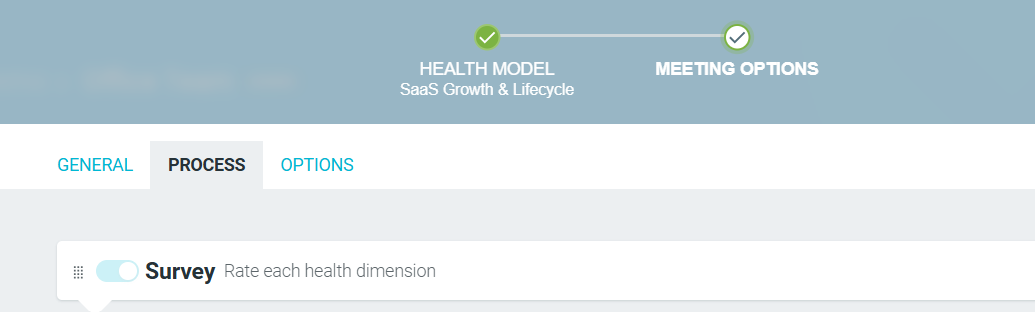
Using the drag handle icon, click and drag the SURVEY step to the top of the process list.

-
START HEALTH CHECK and invite your team members to start adding their responses.

-
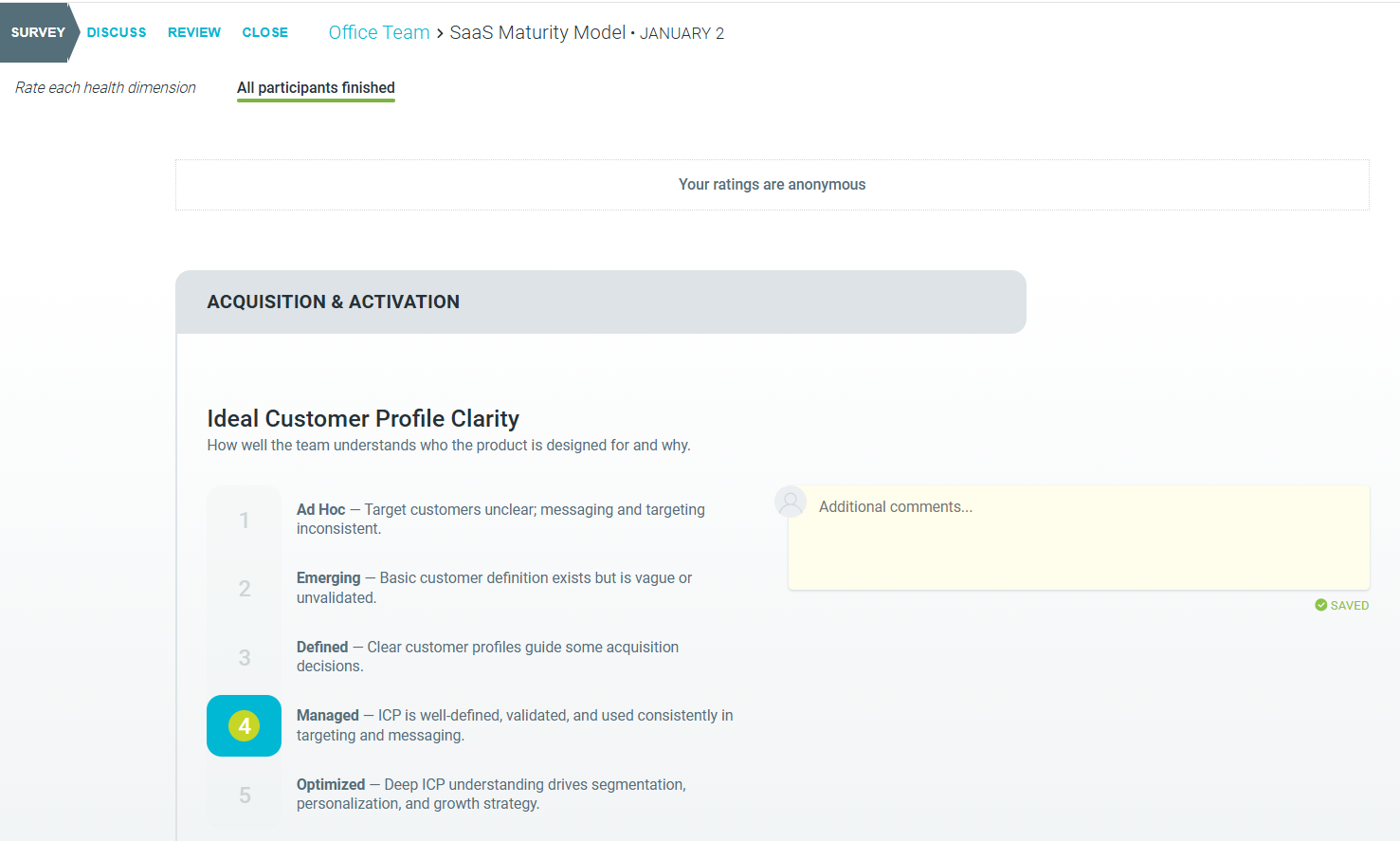
Leave the meeting in the SURVEY step so participants can add their responses at their own time.
-
Reconvene at a later date to then DISCUSS the submissions and continue the session as normal.