The estimation process - CLOSE
Close your estimations meeting with key metrics and a list of outcomes. You can share the results easily, run a CHECK OUT QUESTION to collect feedback, and generate reports for feedback and follow-up.
Use this step to:
- reflect on the outcomes
- run a CHECK OUT QUESTION
- download, share, or publish meeting notes and the action plan
The CLOSE step is enabled by default and cannot be disabled in an estimation meeting.
Check Out Questions
- Use a CHECK OUT QUESTION to gather team reflections at the end of the session. This helps measure how the team felt about the meeting or process. Responses to the question are anonymized, promoting a safe meeting environment for all participants.

Adding meeting notes
As a facilitator, you can add notes to the meeting, which will be included in any reports.

Publish, Download or Share Your Meeting Outcomes.
- If integrated, you can use the PUBLISH feature to share a variety of meeting outcomes via integrated platforms.
-
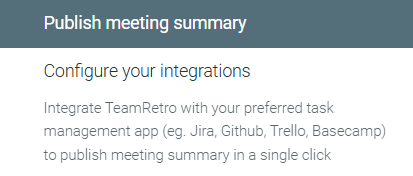
Meeting notes - Publish your meeting notes through your preferred task management app. (e.g., Slack, Jira, Confluence, Notion).
-
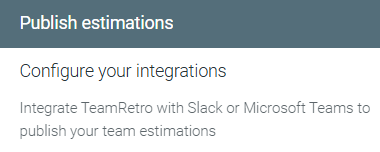
Estimations - Publish estimations to Slack of Microsoft Teams.
-
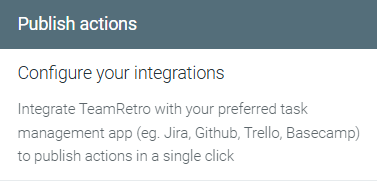
Action Items - Publish your meeting summary through your preferred task management app. (e.g., Slack, Jira, Confluence, Notion).
-
Agreements - Publish team agreements to Slack or Microsoft Teams.
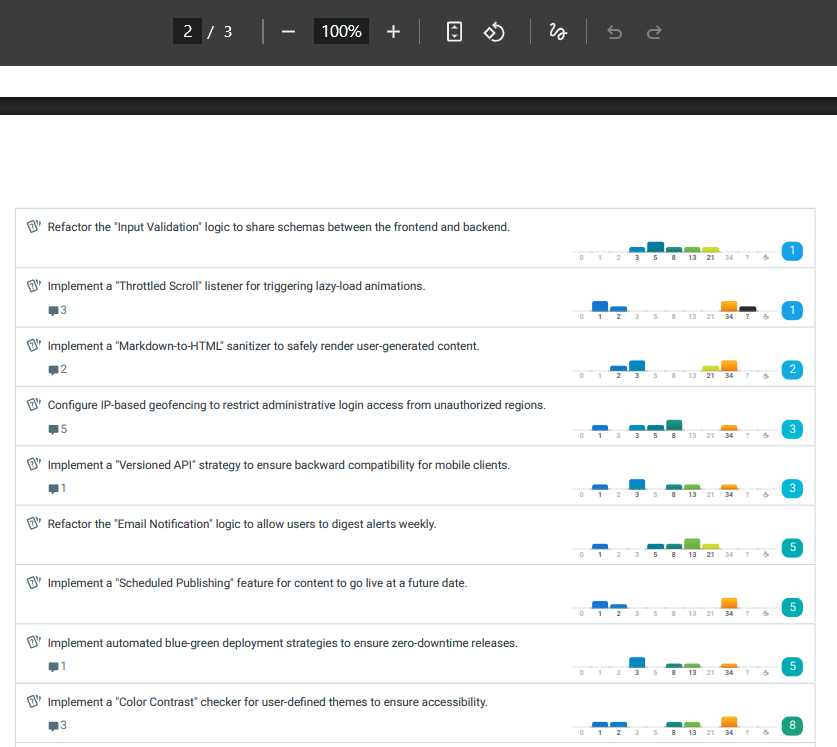
- Click the DOWNLOAD button to export action items and meeting data. You can choose between PDF, MD, CSV or EXCEL formats.

Exported reports present each estimation item with histograms for more in-depth analysis.
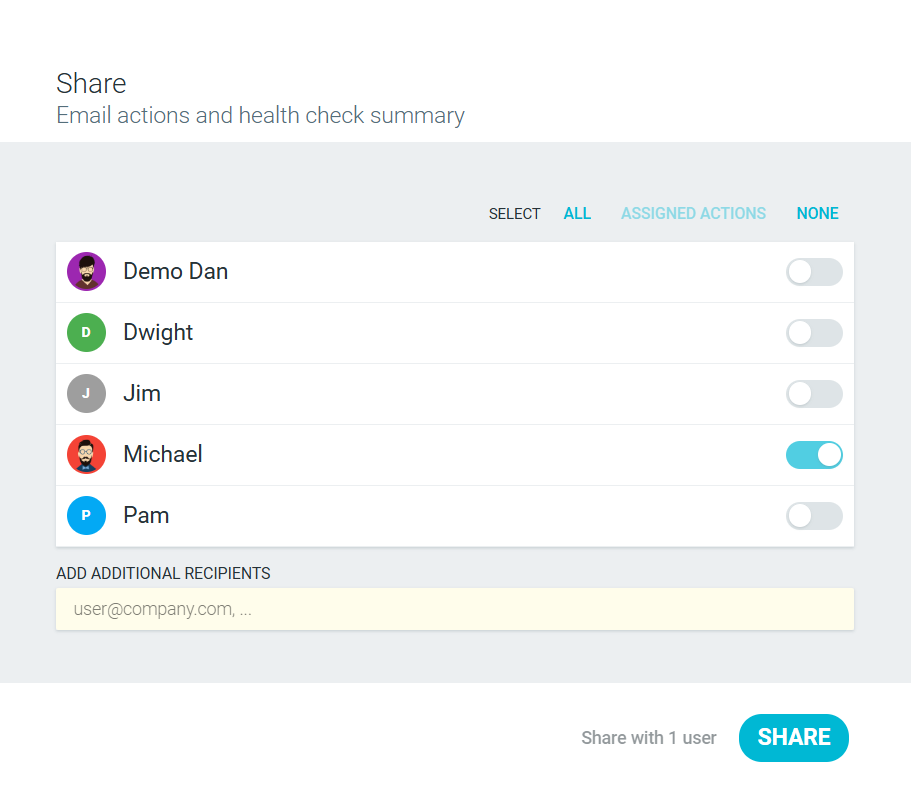
- SHARE the meeting summary with your team members by email.