
Notifications
TeamRetro's email notifications are managed from a central preferences UI, giving you finer-grained control over what lands in your inbox.
You can adjust your preferences at the user level or at the team level.
Notifications at the User level
-
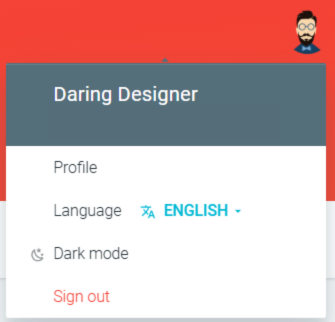
In TeamRetro, click on your Profile Picture and navigate to Profile → NOTIFICATIONS

Notifications at the Team level
-
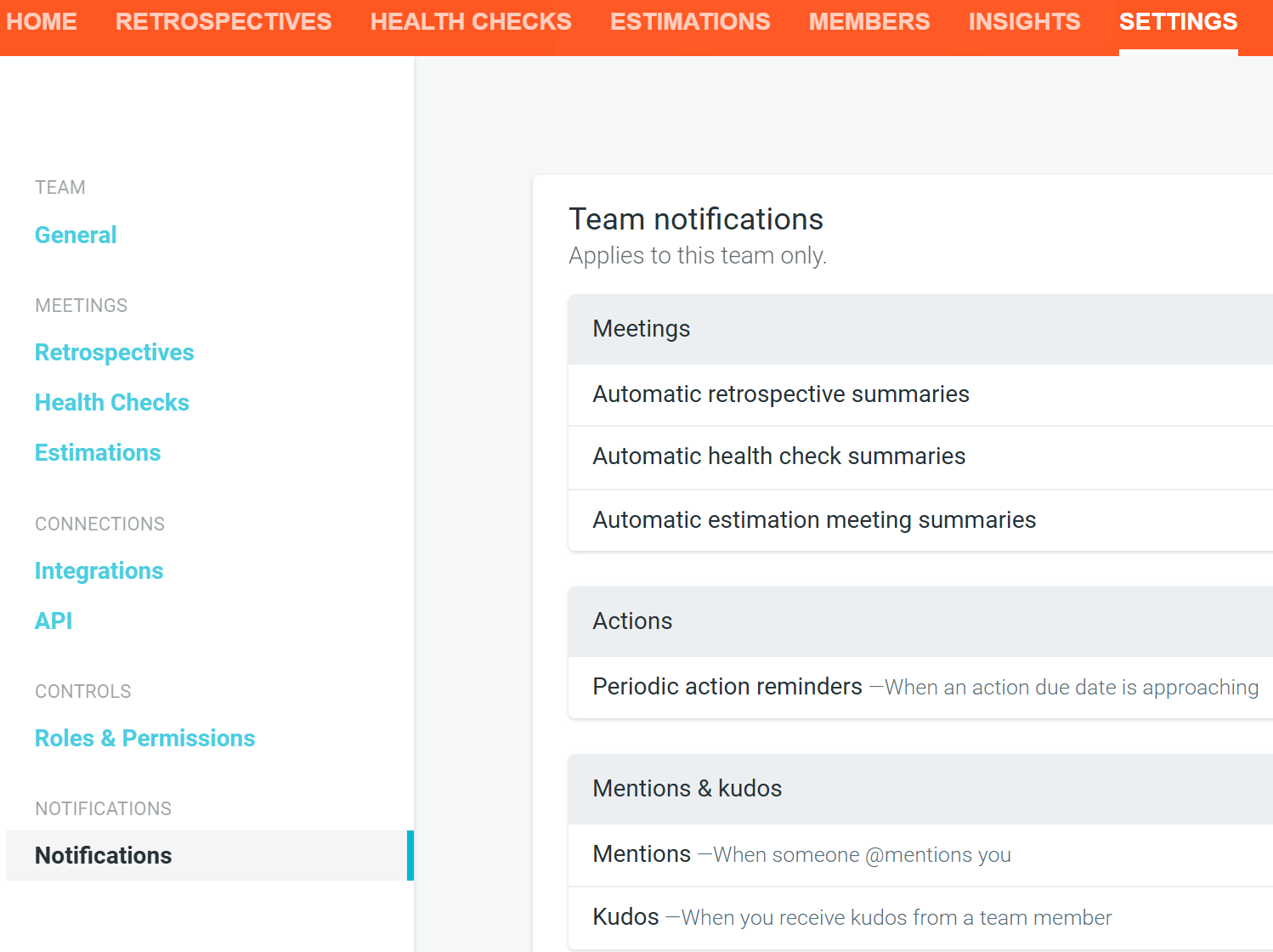
Within your desired team, navigate to SETTINGS → NOTIFICATIONS
Notification categories
Notifications are organised into the following categories:
- Meetings: Emails sent when a retrospective, health check, or estimation meeting completes
- Actions: Reminders for actions you own or follow
- Mentions & kudos: Notifications when someone @mentions you or sends you kudos
- Marketing & product updates: Product updates and feedback opt-ins
Meeting summary emails
When a retrospective, health check, or estimation meeting wraps up, participants automatically receive a summary email with the outcomes from the session.

Action item notifications and reminders
You can choose to be notified about all actions due, or only those assigned to you. Reminder emails are sent up to three days before and after an action's due date, Monday to Friday in your local time zone.
For full details on setting up action reminders, see Action item notifications and reminders.
Kudos emails
When someone sends you kudos in a meeting, you'll receive an email notification with a rollup of who said what, so you can see all the appreciation in one place.
