
The estimation process - REVIEW
The REVIEW step allows your team to finalize and confirm the estimations figures identified during the meeting. This step supports accountability by giving teams the opportunity to assign priorities, due dates, and ownership.
Use this step to:
- review and update estimations derived from the ESTIMATE step
- Create new action items or review action items from previous meetings
- reflect on and revisit team agreements
- ensure key insights and decisions are captured before closing the session
This step helps consolidate outcomes and prepare the team for a focused and aligned meeting close.

Enabling the Review Step
-
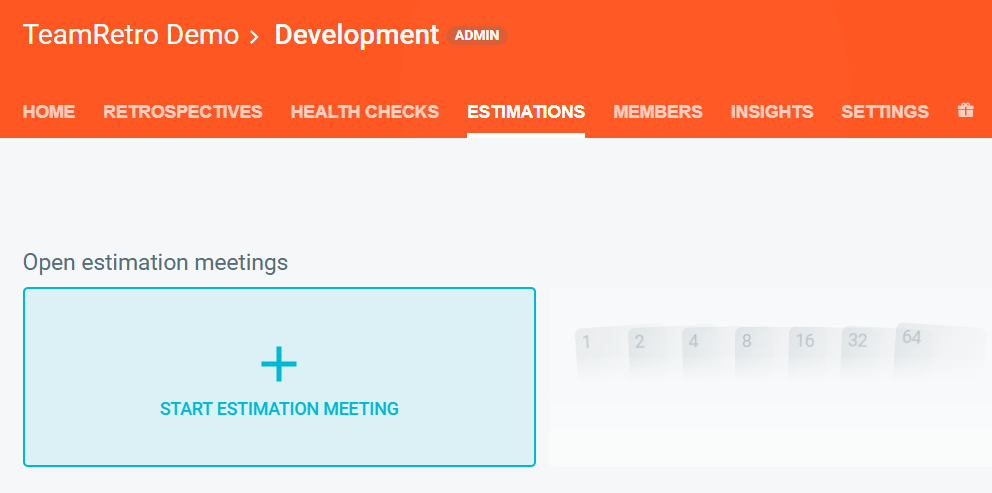
Navigate to your team's ESTIMATIONS tab.

-
Click START ESTIMATION MEETING.
-
Click on PROCESS and enable the REVIEW step.
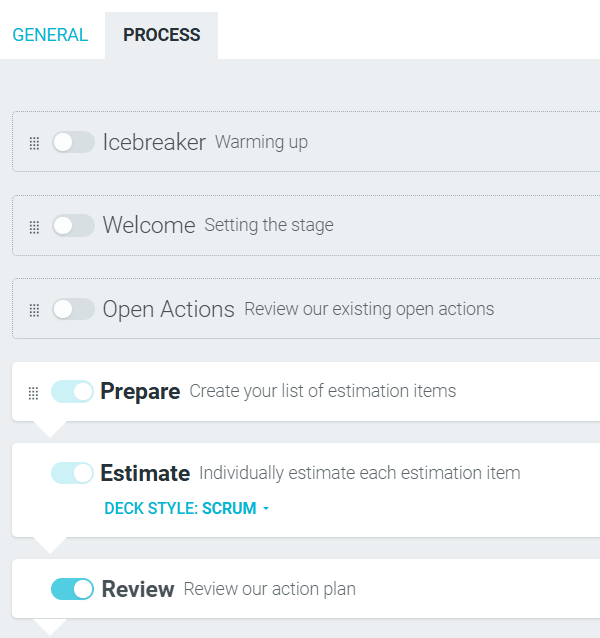
- This step will now appear in your meeting.
Managing Estimation Items
-
As a meeting facilitator, you can modify the value of an estimation to reflect new findings or evaluations brought up after the ESTIMATE step.

-
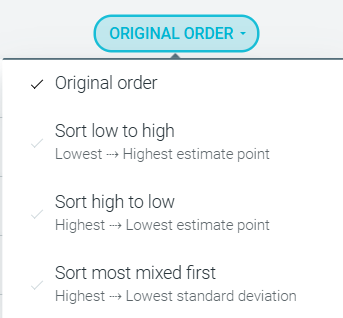
You can also sort the order of estimations items to streamline your review of them.
Assigning Action Parameters
- To assign a priority to an action item, click the PRIORITY icon.

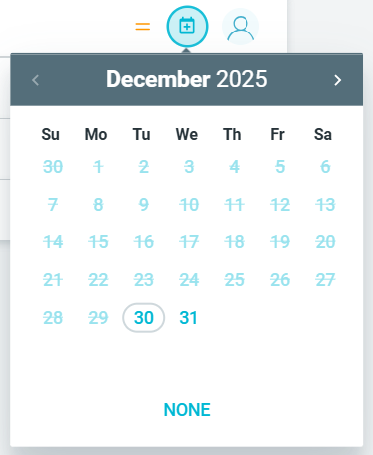
- To assign a due date for an action, click the DUE icon.
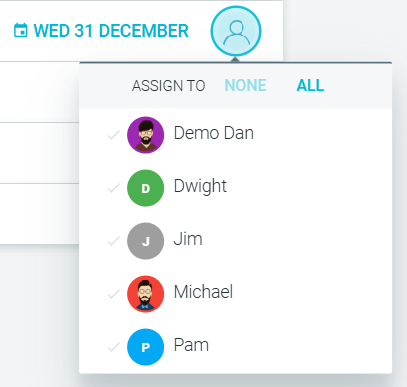
- To assign an owner for the action click the ASSIGN TO icon.
Reviewing team agreements
- If your team has established team agreements, they will appear in this step for review. This is a good opportunity to:
- revisit agreed-upon behaviors or norms
- reflect on alignment
- update any agreements that no longer apply

Once completed, the facilitator ends the estimations meeting by moving to the CLOSE step.