How do I suggest a feature?
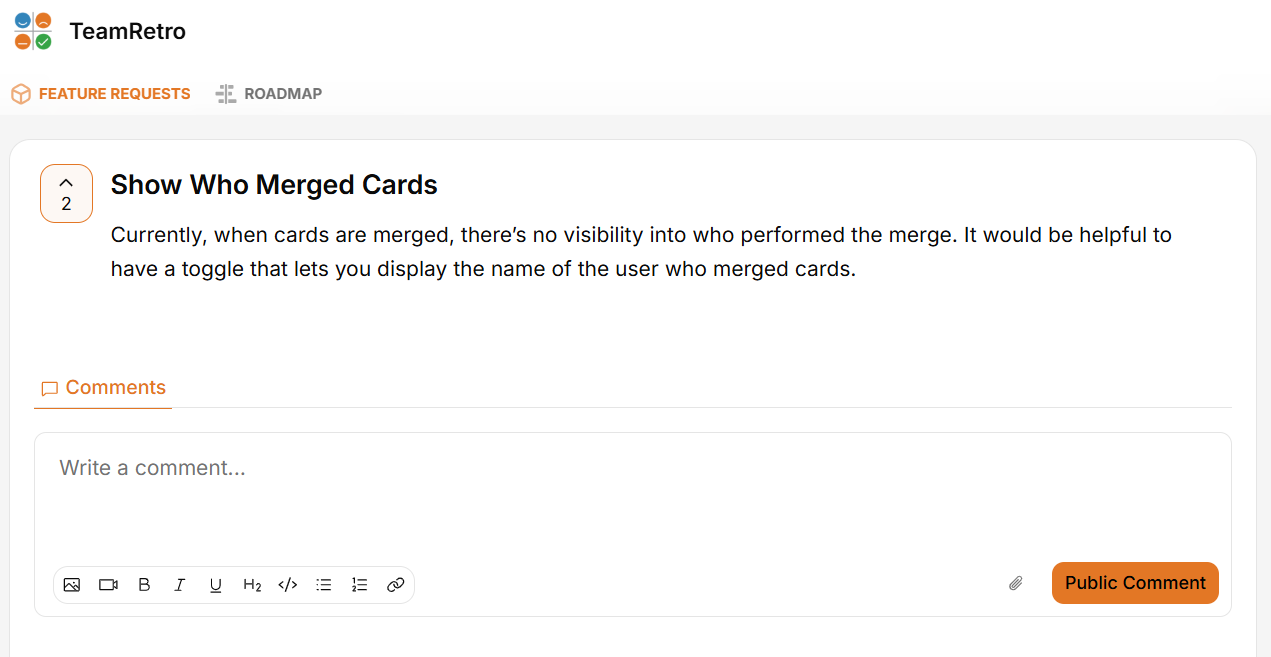
We love hearing from our users! If you have a feature idea that would make TeamRetro even better for your team, it's easy to submit your suggestion through our public feature request board.
How to submit a feature request
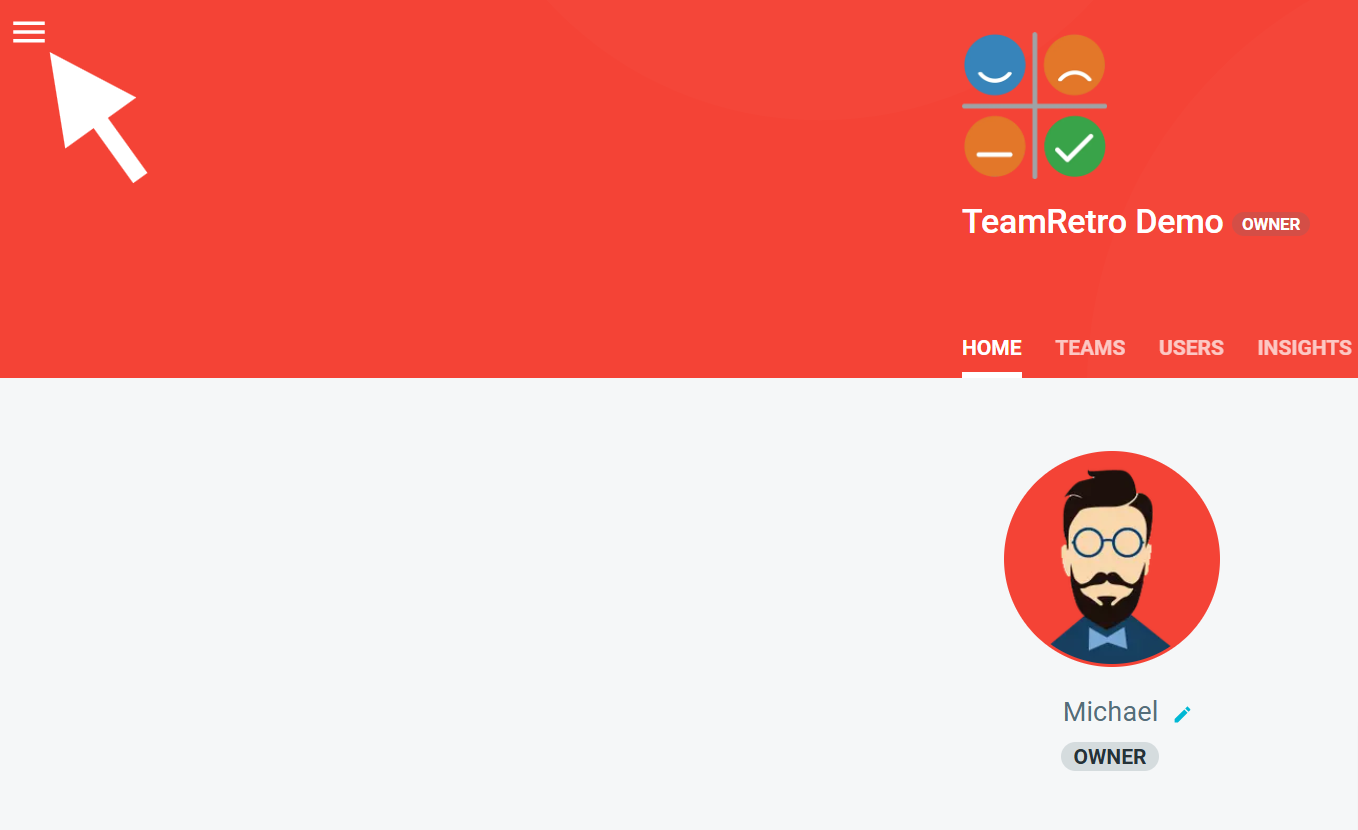
- Navigate to the HOME tab and click the hamburger menu (☰) icon in the top left corner.
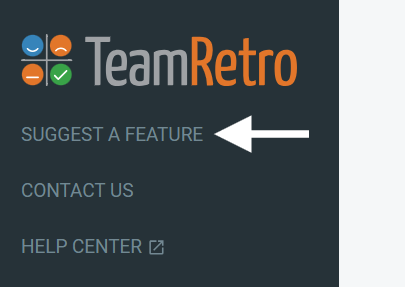
- Select SUGGEST A FEATURE from the menu. Alternatively, follow this link to our FeatureOS page.
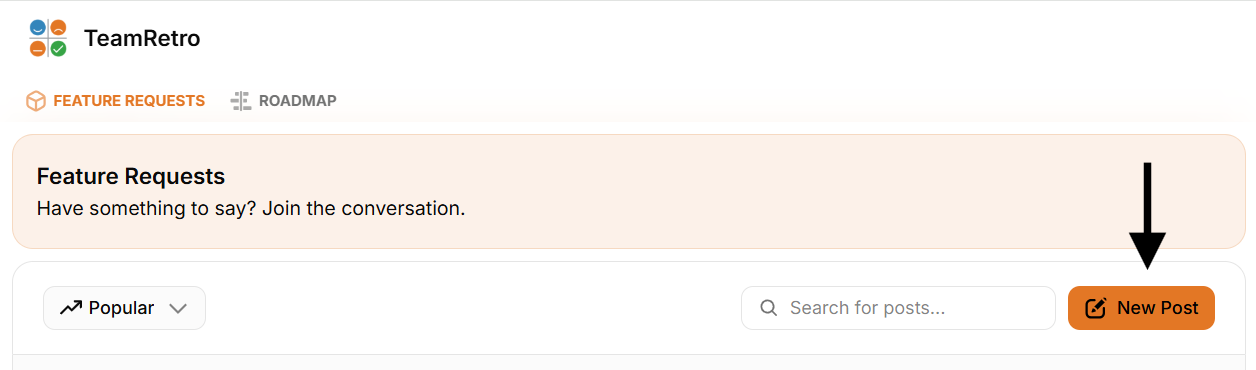
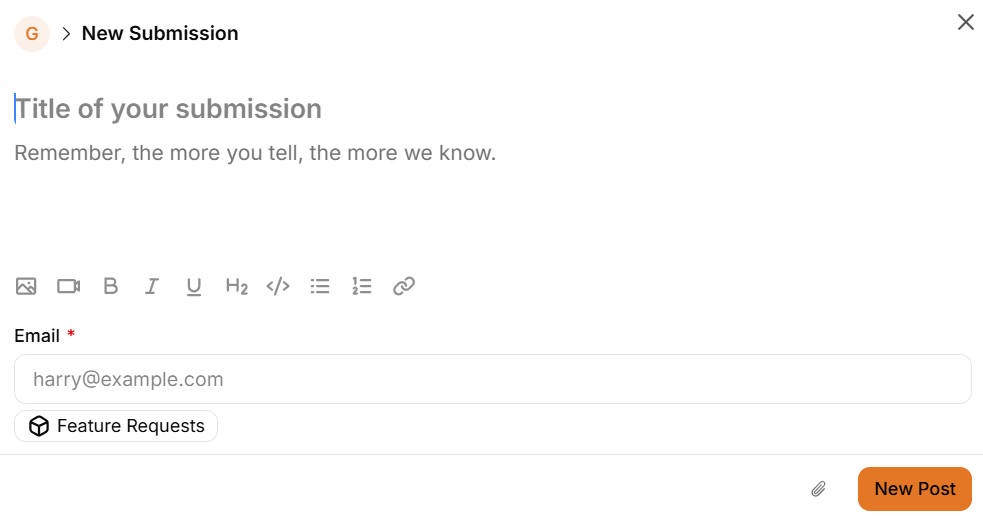
- Once you are on the feature request board, select New Post.
-
Enter a title and detailed description of your suggestion or feature idea. Optionally provide your email should you wish to receive any updates around your post.
-
Before submitting, review the Similar Posts to see if someone has already made a similar suggestion. If so, you can vote or comment on that post instead.
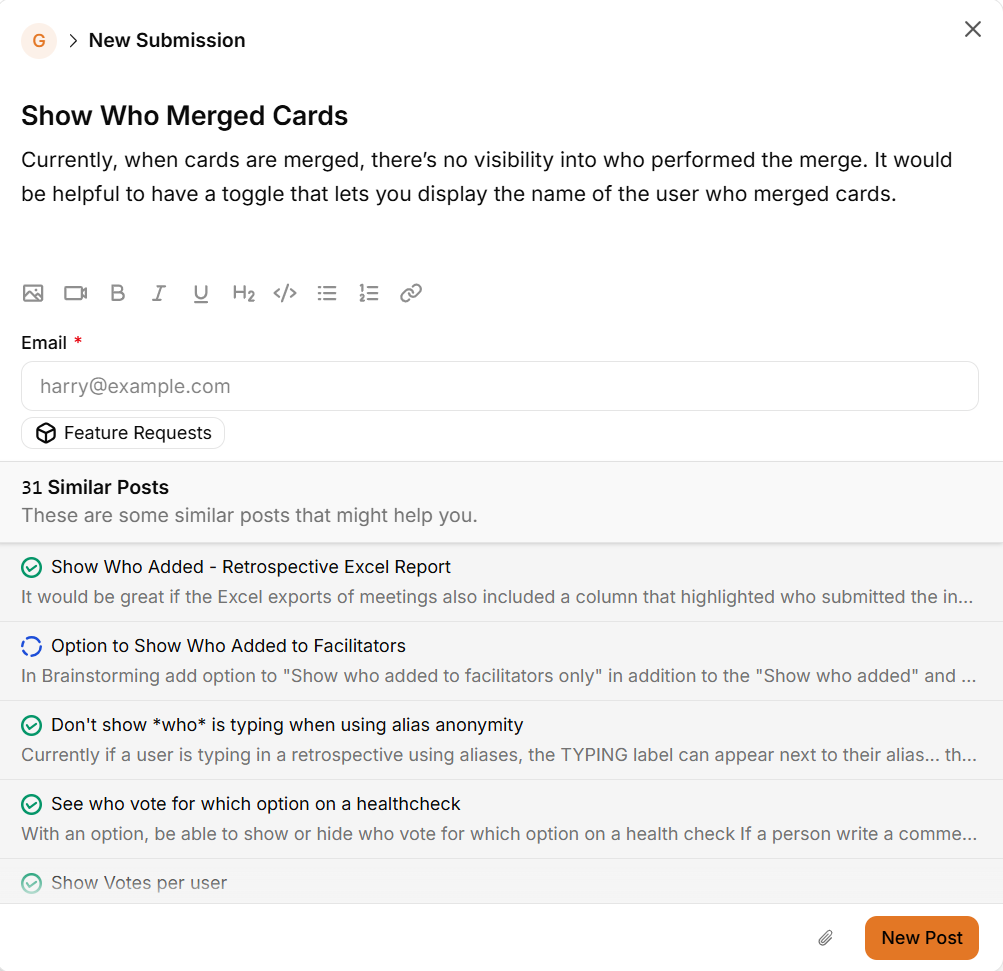
- Once ready, click New Post to submit your idea.